
Journey · Places
Explore your block
ShownStart with somewhere familiar.
The steps
- Find an addressShown
Search and select a building.
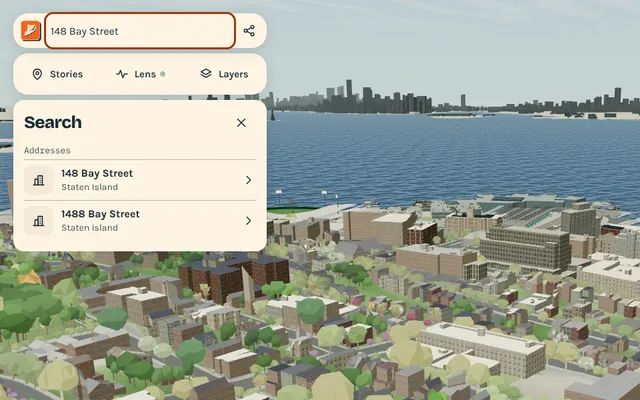 Searching the map for an address.
- Understand the areaShown
Compare uses, ages and available records.
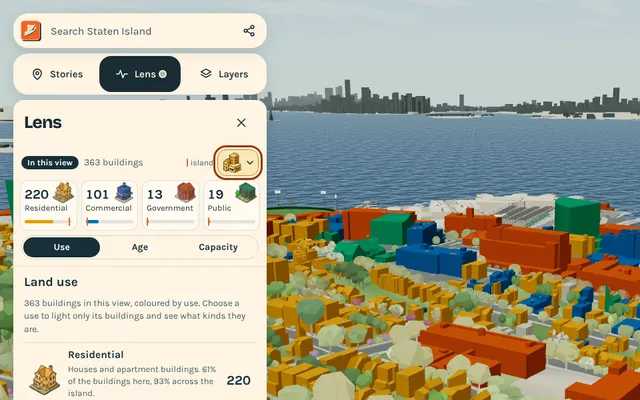 Lens on Buildings: use, age and capacity for the view.
- Keep the placeShown
Add its card to your collection.
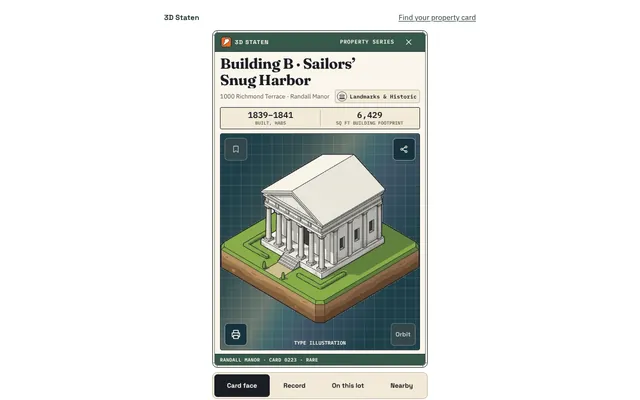 A property card: Building B, Sailors’ Snug Harbor.
- Make it tangibleShown
Review available model and print options.
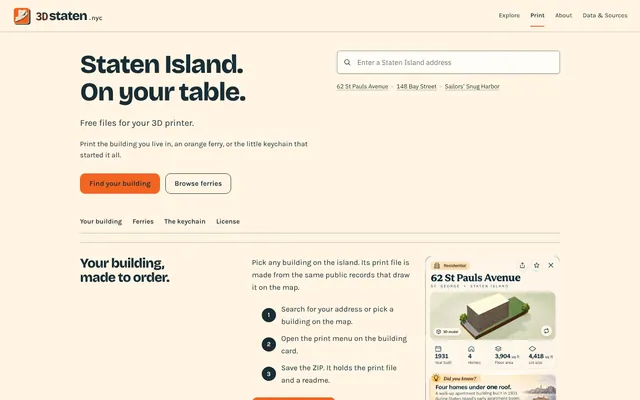 The Print page.
About journeys
Journeys show how the experience fits together. Reading one does not award cards or record visits.
Sources
- Ways to Explore guide. Based on the supplied November 26, 2026 screenshots and project discussion. Shown means visible in those references, not independently tested. Planned features describe the proposed system.