
Journey · Movement
Follow a ferry
Shown + plannedConnect movement to a personal passport.
The steps
- See available movementShown
Open the ferry information.
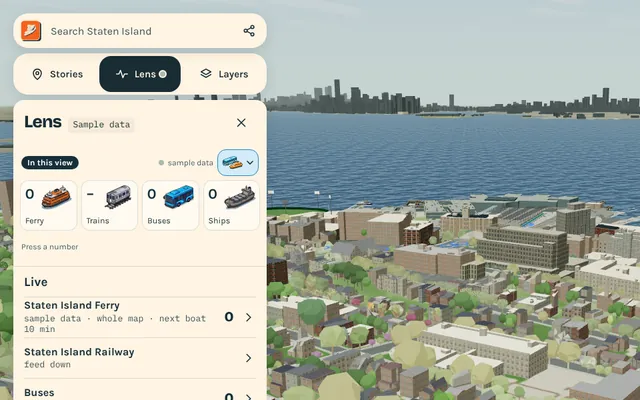 Lens on Travel: ferries, trains, buses and harbor ships. Captured without the live feeds, so the counts read zero.
- Follow the harborShown
Explore the vessel’s reported position.
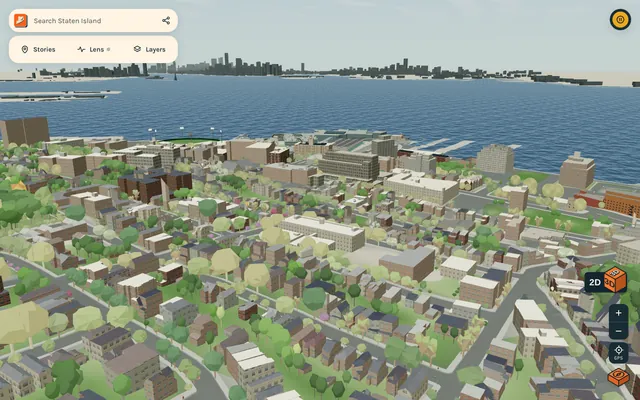 The map as it opens, looking across St. George to the harbor.
- Record a qualifying ridePlanned
Ride verification and passport progress are proposed.
- Explore the fleetShown
See available ferry models.
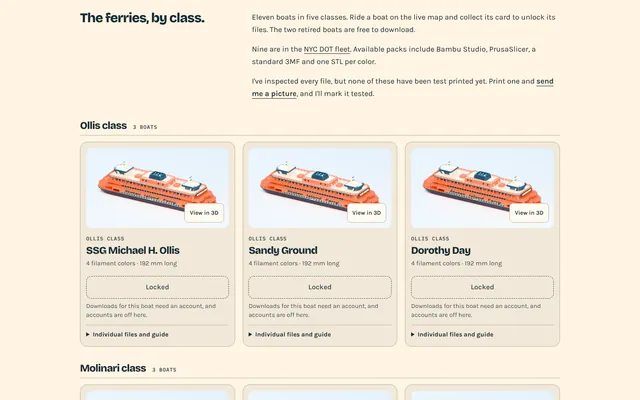 The ferry fleet on the Print page.
About journeys
Journeys show how the experience fits together. Reading one does not award cards or record visits.
Sources
- Ways to Explore guide. Based on the supplied November 26, 2026 screenshots and project discussion. Shown means visible in those references, not independently tested. Planned features describe the proposed system.